Track your TikTok creator program, built with AI agents in mind.
The easiest way to track results and calculate payouts for TikTok and Instagram UGC creator programs.
Free for 5 accounts and 10 tracked videos. No card needed.







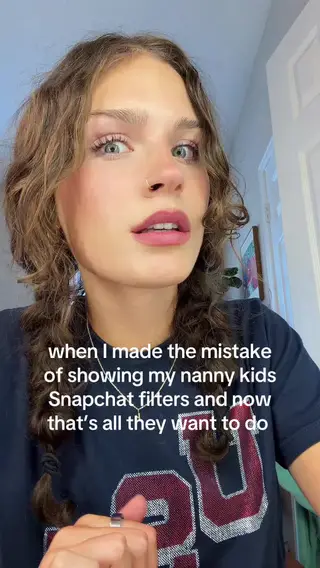

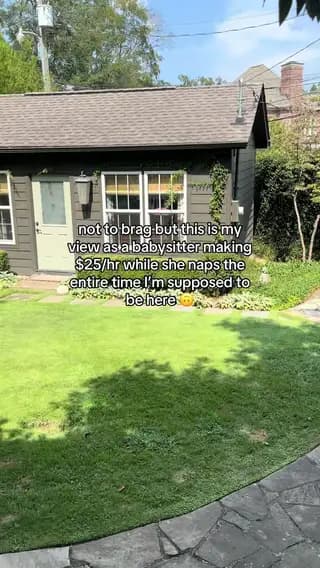

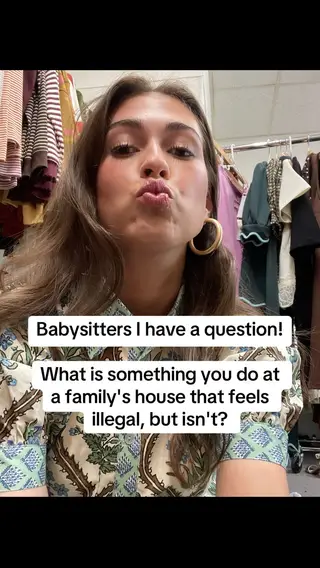
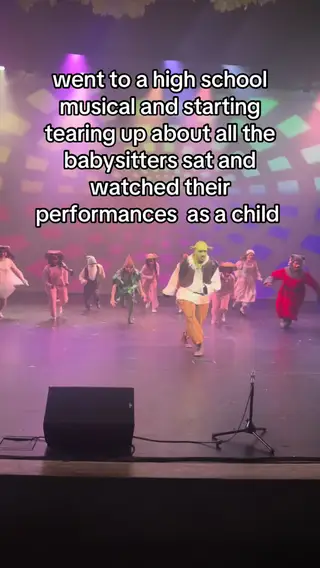



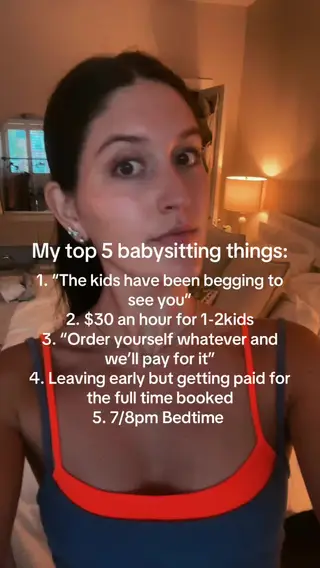
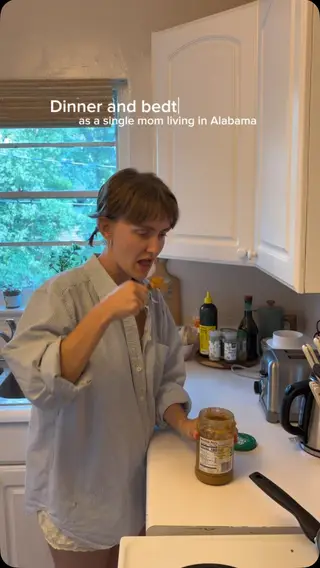
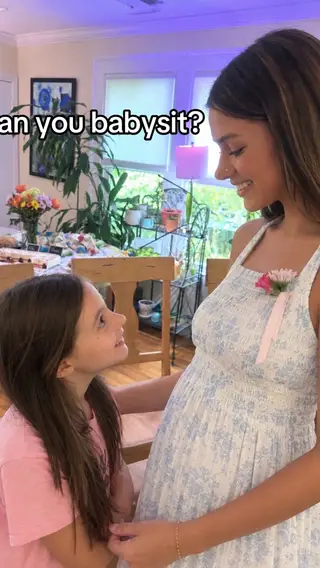
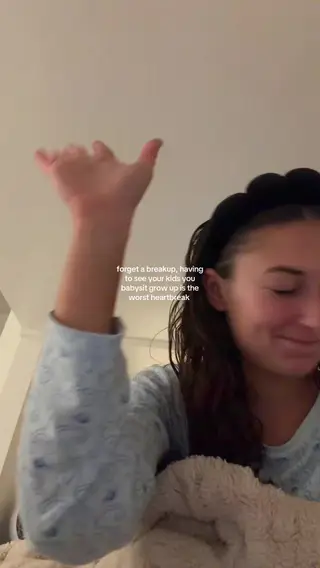
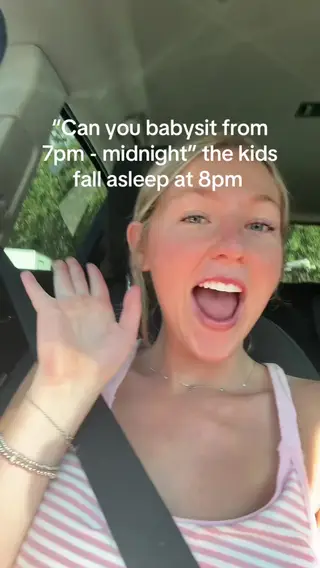

Works with public TikTok and Instagram accounts. Creators don’t have to sign up or connect anything.

For TikTok creator programs whose teams love coding agents.
Most programs still open every video, copy the views by hand and work out payouts at the end of the month. With trackagoat you can see what each creator posted, how it did, and who still needs to be paid.
trackagoat is built TikTok first, and tracks Instagram too. The data model, API, MCP server and docs were all designed so Claude Code, Codex or another coding agent can do that work alongside you.
Add a creator once and their new videos and stats keep coming in on their own.
You: Start tracking @pastamadam on TikTok.
Agent: Added Jada Gokce. trackagoat is pulling in their videos now, with views, likes and comments.Behind the scenes · 1 MCP call
Behind the scenes
Tool call: add_creator
Added the creator and their TikTok account to the project. trackagoat starts finding their posts in the background.
{ "project_id": "…", "accounts": [{ "platform": "tiktok", "handle": "pastamadam" }] }
Add a creator. Type their TikTok or Instagram handle, or paste their profile link. Their videos show up and start collecting views, likes and comments.
You: Put Natalie, Addi, Morgan and Maddie on our CPM payout structure.
Agent: Done. They earn $0.50 per 1,000 views on Creator Program - CPM Structure, paid weekly. 101 creators are on it now.Behind the scenes · 1 MCP call
Behind the scenes
Tool call: assign_payout_structure
Assigned the creators to the payout structure, so their posts start earning from it.
{ "structure_id": "…", "creator_ids": ["…", "…", "…", "…"] }
Assign a payout structure. Pay a flat fee, or pay on goals, CPM, view milestones or conversions. When a period closes, you see what each creator earned.
You: Who were our top creators by views in the last 30 days?
Agent: Natalie Dickerson (3.3M views), Jada Gokce (2.9M) and Maddie Brooks (558K).Behind the scenes · 1 MCP call
Behind the scenes
Tool call: list_top_creators
Ranked the creators by views for the date range.
{ "project_id": "…", "from": "2026-09-10", "to": "2026-10-09", "limit": 3 }
Compare results in Insights. Campaign, Creator and Video Insights rank your campaigns, creators and videos for whatever date range you pick.


Built so your coding agent can run the program with you.
Creators, videos, campaigns, goals, payouts and Insights are all in the REST API and the MCP server. Ask Claude Code or Codex who’s behind on posts this week, and it answers from the same numbers you see in the app. Org setup (members, invites and API keys) stays in the app.
Hosted MCP server. More than 100 tools at /api/mcp, each one a thin wrapper over a REST endpoint. Connect with sign-in (OAuth) or an API key.
A Markdown document on every record. Every org, project, campaign, creator, video and payout record has one that people and their agents read and write. Agents read them before they act and add what they find.
Your agent knows who it’s helping. Each teammate has a personal document that says who they are and how they want help, and their agent gets it at the start of every session. Everyone in the org can read all of them.
Docs written for agents. Every docs page is also Markdown (add .md to its URL), with /llms.txt, an agent guide and a data model page.
OpenAPI spec. An OpenAPI spec and a /schema endpoint describe every endpoint and how the data fits together.
Scoped API keys. Read, write and admin scopes. Keys are stored hashed, and writes take idempotency keys so a retry never runs twice.
You decide about money. An agent can only send a payout after an org admin turns on agent payments, and only within the per-payout and 24-hour limits you set.
Every plan includes the API and MCP server. Free allows 200 requests a day.
Set up with your coding agent. Paste this prompt into Claude Code, Codex or Cursor. Your agent walks you through signing up and connects the MCP server.
$ curl "https://www.trackagoat.com/api/v2/creators?limit=2" \
    -H "Authorization: Bearer tga_••••••••"

200 OK
{
  "data": [
    { "display_name": "Natalie Dickerson", "handle": "wyndywithnat",
      "follower_count": 1441, "accounts": [ … ] },
    …
  ],
  "error": null,
  "meta": { "nextCursor": "…", "hasMore": true }
}
See every video your creators post, and how it’s doing.
Each account is checked for new posts every 12 hours on paid plans, and once a day on Free. Views, likes and comments keep getting re-checked as a video ages, and every number shows when it was last updated.
- One creator, several accounts. Link a creator’s TikTok and Instagram accounts (even two of each) and their totals add up on one profile.
- Full rescan every 30 days. Each account’s full history is scanned again every 30 days, so a post the regular checks missed still gets counted.
- Choose which posts count. Count every post automatically, pick them one by one in the Tracking Inbox, or count only posts with your campaign hashtag.


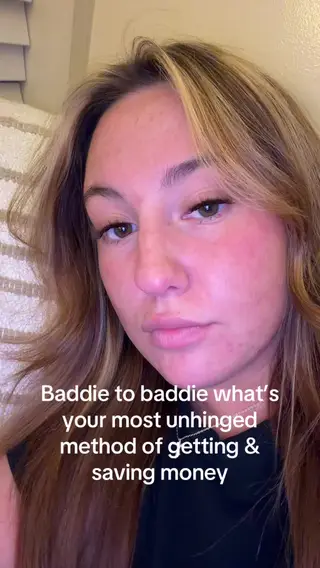
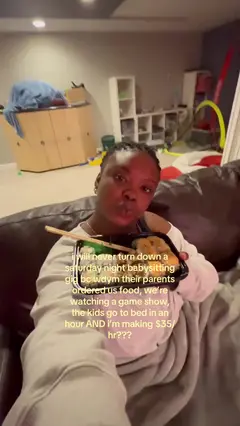
You: What did our creators post last? And refresh Hailey’s “Like someone fill me in”.
Agent: Newest is Jada Gokce’s “I SCREAMED THE ENTIRE PERFORMANCE” (455,800 views). Hailey’s video is up to 237,800 from 236,100.Behind the scenes · 3 MCP calls
Behind the scenes
Tool call: trackagoat · 1. list_top_videos
Listed the project’s videos in order, with their view counts.
{ "project_id": "…", "order_by": "posted_at", "limit": 4 }
Tool call: trackagoat · 2. trigger_scrape
Asked trackagoat to re-check the video now instead of waiting for the next scheduled update.
{ "video_id": "…" }
Tool call: trackagoat · 3. get_video_stats
Read the video’s latest stats and when they were last updated.
{ "video_id": "…" }
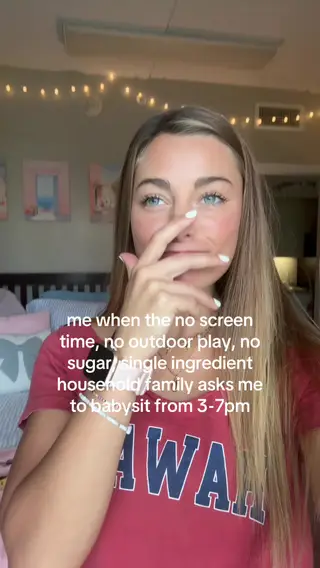

Put creators and videos into campaigns and see their totals.
Each campaign shows its creators, videos, views and likes, with a 30-day trend. Campaigns inside a campaign roll up into its totals.
- Nested campaigns. A campaign can hold creators, single videos or other campaigns. A video that’s in there twice only counts once.
- Split by platform. Each campaign shows its TikTok and Instagram views and videos side by side.
- Creator Goals. Set a goal like 15 posts a week (or a views, engagement or follower target) and see which creators are On Track, Behind Pace or At Risk.

You: How are our campaigns doing, and who’s behind on this week’s goals?
Agent: Sitter to Sitter Creator Program leads with 10.1M views from 1,711 videos, then Sitter Micro Influencer Program with 3.6M. Natalie Dickerson (4 of 10 posts) and Hailey Elliott (0 of 10) are At Risk, and Isabella Weisse (8 of 10) is Behind Pace, with 2 days left.Behind the scenes · 2 MCP calls
Behind the scenes
Tool call: trackagoat · 1. get_campaign_stats
Read each campaign’s totals: views, videos and creators.
{ "project_id": "…" }
Tool call: trackagoat · 2. get_goal_compliance
Checked the creators’ goals: progress so far, the target and whether each one is on track.
{ "project_id": "…", "period": "weekly" }

Automatically track payouts, no matter how you choose to pay creators.
Say you pay every creator $5 a week, plus $20 when a video passes 1M views. Set that up once as payout structures, and the payouts tracker shows what each creator is owed and what you’ve paid.
- Flat monthly fee
- Goal bonuses
- CPM, with caps
- View milestones
- Per conversion
You: What’s still owed for September? We already sent the CPM money, so mark that paid.
Agent: Creators earned $21,700.51 in September. I marked the $1.29 on Creator Program - CPM Structure as paid, so $80.00 is still owed.Behind the scenes · 2 MCP calls
Behind the scenes
Tool call: trackagoat · 1. get_payouts_tracker
Opened the payouts tracker for the month: what each creator earned, what’s been paid and what’s still owed.
{ "project_id": "…", "from": "2026-09-01", "to": "2026-09-30" }
Tool call: trackagoat · 2. record_payout_payment
Recorded the payment against the creator’s earned payouts, so they show as paid.
{ "project_id": "…", "creator_id": "…", "accrual_ids": ["…"], "total_amount_cents": 129, "idempotency_key": "…" }
You: What’s still owed for September? We already sent the CPM money, so mark that paid.
Agent: Creators earned $21,700.51 in September. I marked the $1.29 on Creator Program - CPM Structure as paid, so $80.00 is still owed.Behind the scenes · 2 MCP calls
Behind the scenes
Tool call: trackagoat · 1. get_payouts_tracker
Opened the payouts tracker for the month: what each creator earned, what’s been paid and what’s still owed.
{ "project_id": "…", "from": "2026-09-01", "to": "2026-09-30" }
Tool call: trackagoat · 2. record_payout_payment
Recorded the payment against the creator’s earned payouts, so they show as paid.
{ "project_id": "…", "creator_id": "…", "accrual_ids": ["…"], "total_amount_cents": 129, "idempotency_key": "…" }
- Versioned payout structures. When you edit a payout structure it saves a new version. Only future earnings use the new terms.
- Late posts are recalculated. If a post shows up after a period closes, unpaid amounts are recalculated. Payments you’ve already recorded stay the same.
- Pay from trackagoat or mark as paid. Connect a payout account and you can pay a creator from the payouts tracker. Paid some other way? Mark it paid with the date, amount, method and receipt.
To pay creators from trackagoat, connect your organization’s payout account. Payments you make any other way get recorded with Mark as paid.
See which campaigns, creators and videos are doing best in Insights.
Each Insights page ranks and charts your program for whatever date range you pick, across TikTok, Instagram or both.
- Campaign Insights. A campaign leaderboard, views over time, and up to 5 campaigns on one chart.
- Creator Insights. A creator leaderboard, creator tiers, and which creators are posting rarely or getting few views.
- Video Insights. Top videos, videos beating their creator’s usual views, a posting-time heatmap and how views are spread.

You: Rank our creators by views for the last 30 days, and compare our top 3 campaigns day by day.
Agent: Natalie Dickerson leads with 3.3M views from 22 posts, then Jada Gokce (2.9M), Maddie Brooks (558K), Sarah Beth Diprima (394K) and Isabella Weisse (298K). Of the campaigns, Sitter to Sitter Creator Program had 10.1M, Sitter Micro Influencer Program had 3.6M and Sitter to Parent Creator Program had 339K.Behind the scenes · 2 MCP calls
Behind the scenes
Tool call: trackagoat · 1. list_top_creators
Ranked the creators by views for the date range.
{ "project_id": "…", "from": "2026-09-10", "to": "2026-10-09", "limit": 5 }
Tool call: trackagoat · 2. get_analytics
Pulled views day by day over the date range.
{ "entity": "campaign", "entity_ids": ["…", "…", "…"], "metric": "views", "granularity": "day", "from": "2026-09-10", "to": "2026-10-09" }
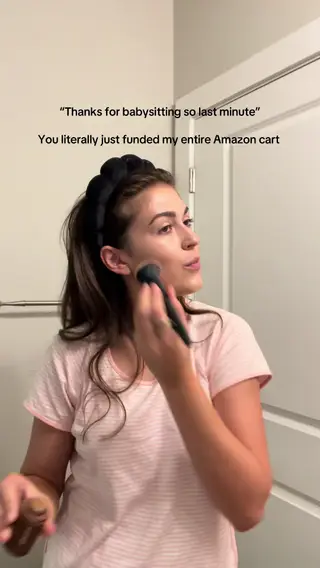
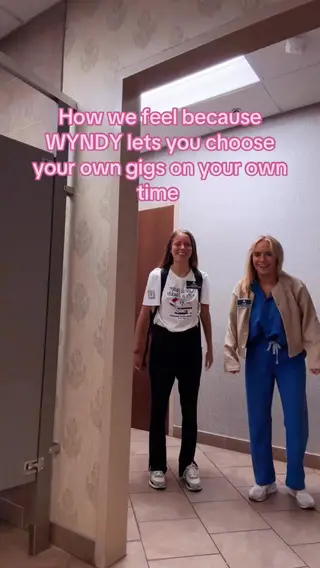
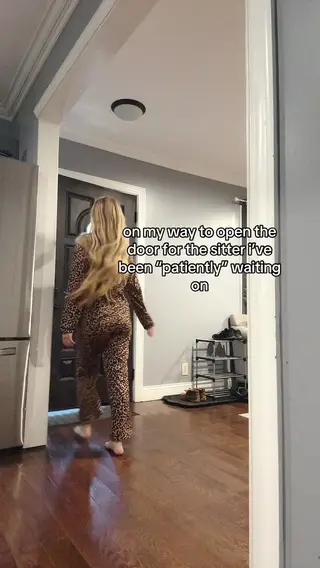
Also included: pick which new posts count, and read what viewers say in the comments.
You: Include Holland’s new post in tracking.
Agent: Included “The only trend that has ever spoken to me” from Holland Dillon. Its views count in their totals now. 71 more posts are waiting in the Tracking Inbox.Behind the scenes · 1 MCP call
Behind the scenes
Tool call: review_inbox
Approved the post in the Tracking Inbox, so it counts toward goals and payouts.
{ "project_id": "…", "action": "include", "video_ids": ["…"] }
Tracking Inbox. Don’t want every post a creator makes? New ones wait in the Tracking Inbox until you include or exclude them.
You: What are viewers saying in the comments?
Agent: 40% of comments are positive, 37% neutral and 23% negative. 22 ask what the app is, 10 say they’re signing up and 5 ask if it’s an ad.Behind the scenes · 1 MCP call
Behind the scenes
Tool call: get_comment_signals_summary
Read the comment summary: overall sentiment and the themes viewers mention most.
{ "project_id": "…" }
Comment Insights. On paid plans, up to 100 comments per video are collected so you can see what viewers ask and say, like questions about the product or “is this an ad?”.




Also included
- Content Calendar: who posted what, and on which day.
- Creator pages: a PIN-protected link where a creator can see their own stats and payouts.
- Notes and history: a markdown README on every creator and campaign, plus a change log that fills itself in.
- Conversions: send sign-ups or sales from your backend and tie each one to a creator, account or video.
- Program Health: one page that shows which creators and videos need attention.
Click around a working demo of the trackagoat dashboard.
How trackagoat compares with MightyScout, viral.app, Shortimize and others.
Each tab puts trackagoat next to one other tool, checked on their public sites on October 10, 2026. If the other tool does something better, the table says so.


MightyScout finds influencers and reports on posts that mention your brand. trackagoat tracks every video your creators post, works out what you owe them, and your coding agent can use all of it on any plan.
| Feature | trackagoat | MightyScout |
|---|---|---|
| Platforms | TikTok and Instagram | Instagram (including Stories), TikTok, YouTube and Facebook |
| Which posts are tracked | Every post, or only the ones you pick or that use your hashtag | Posts and Stories that mention your brand |
| How often new posts are found | Every 12 hours on paid plans, once a day on Free | “Every few hours” |
| Posting goals per creator | On Track, Behind Pace or At Risk for each creator | Shows who has posted and who’s late |
| Works out what each creator is owed | Yes | Not listed: not stated on their public site as of October 10, 2026 |
| Pays creators from the app | From trackagoat through your connected payout account, or mark paid | Not listed: not stated on their public site as of October 10, 2026 |
| API and MCP server | Both, on every plan. Free allows 200 requests a day | Both, on Growth ($399 a month) and up |
| Free plan | 5 accounts and 10 tracked videos, no card | No. 14-day free trial |
| Paid plans | $29 or $399 a month | $99, $249, $399 or $749 a month |
| Where MightyScout does more | ||
| Influencer discovery and outreach | No | Yes |
| Instagram Stories | No | Yes |
| YouTube and Facebook | No | Yes |
Checked on October 10, 2026 from each company’s public website. The “API and MCP server” and “Agents can send payouts” rows were checked again on October 11, 2026. Prices and features change, so check their site before you decide. If something here is out of date, email support@trackagoat.com and we’ll fix it. MightyScout, viral.app, Shortimize, SideShift, Grade, ViewTrack, TikTok and Instagram are trademarks of their respective owners. trackagoat isn’t affiliated with or endorsed by them.
Frequently asked questions
For anything else, email support@trackagoat.com


Start tracking your creators for free.
Free covers 5 accounts and 10 tracked videos, with the API and MCP server included. Add a handle or profile link and their posts start coming in. No card needed.
Step 1: Copy this prompt
Step 2: Paste it into Claude Code, Codex or another coding agent
Cursor and VS Code work too.
Step 3: Follow the steps your agent gives you
It walks you through signing up and adds the MCP server. You do the sign-ins yourself.