 Tracking
See every TikTok and Instagram post your creators make.
Add a creator by their handle or profile link. New posts get picked up on their own, views, likes and comments keep getting re-checked as each post gets older, and every number shows when it was last updated.
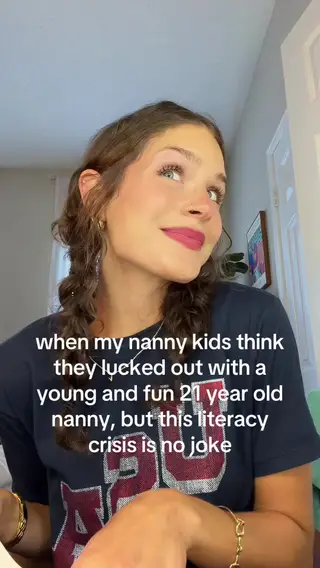
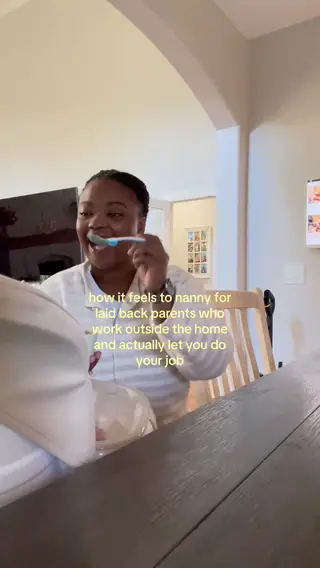
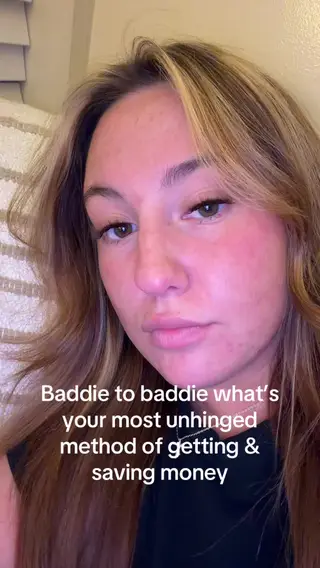
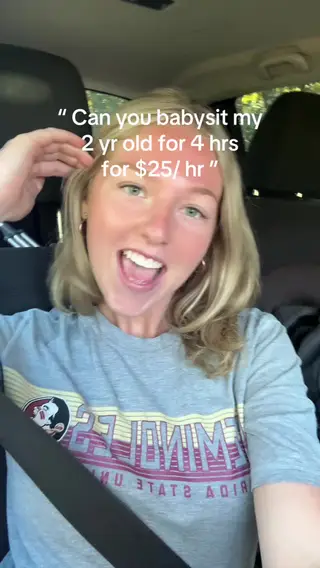

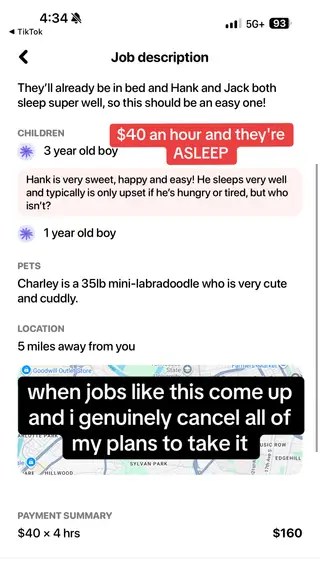
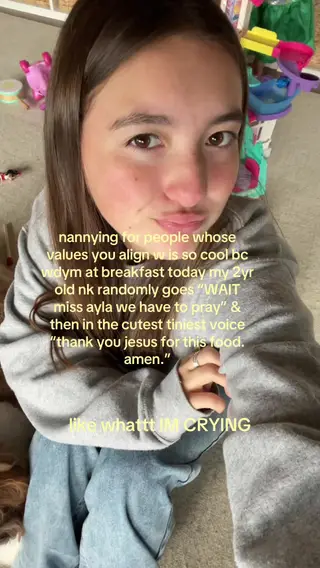
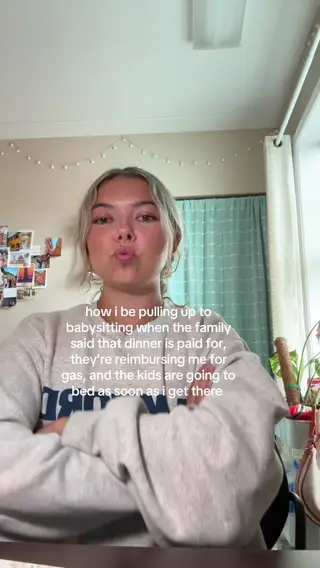
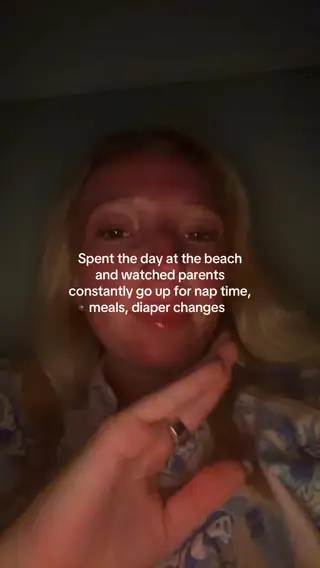
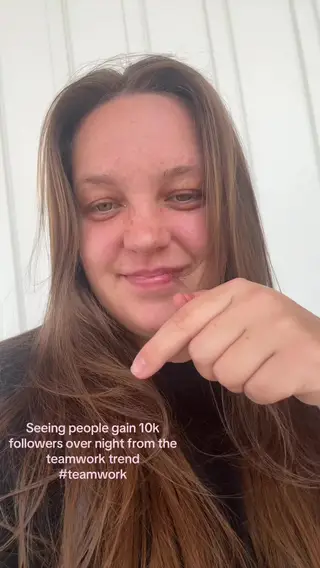
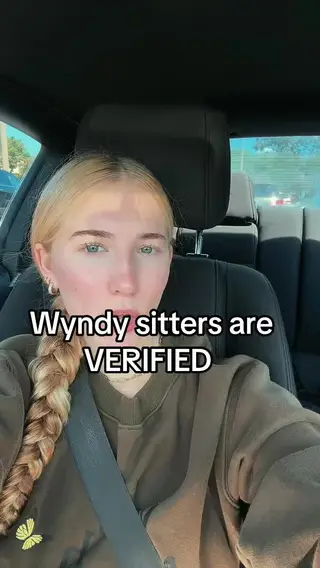

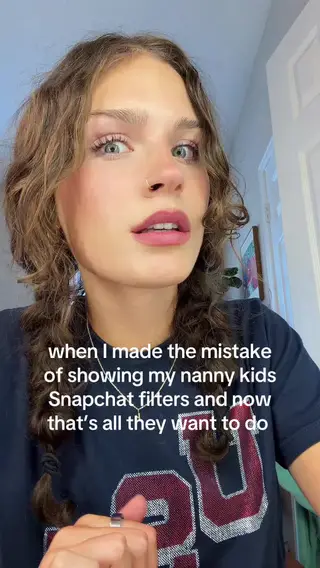
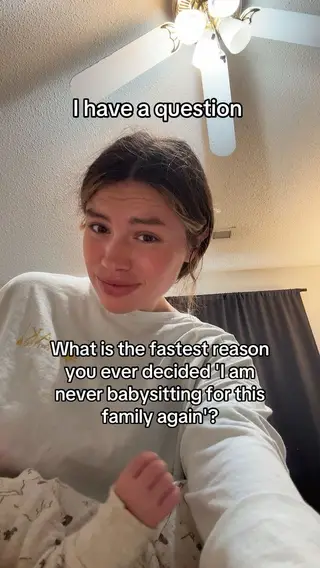
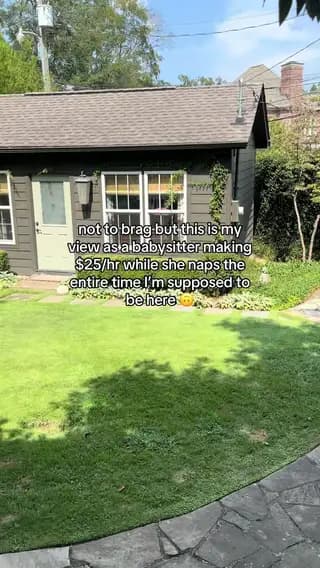
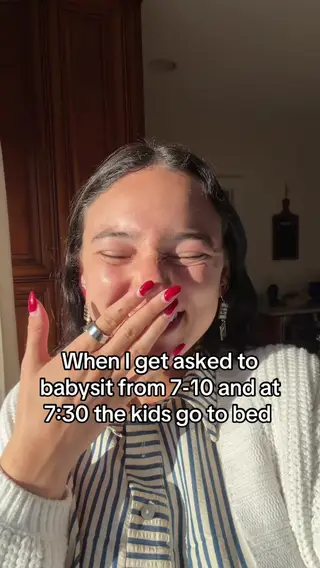
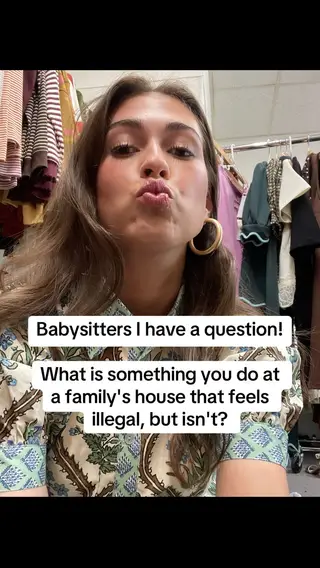
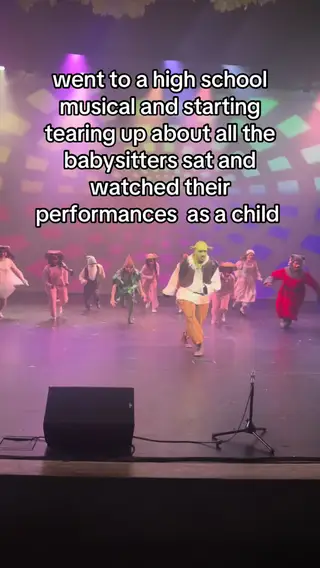
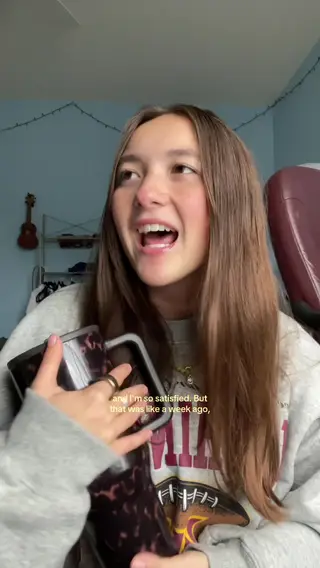
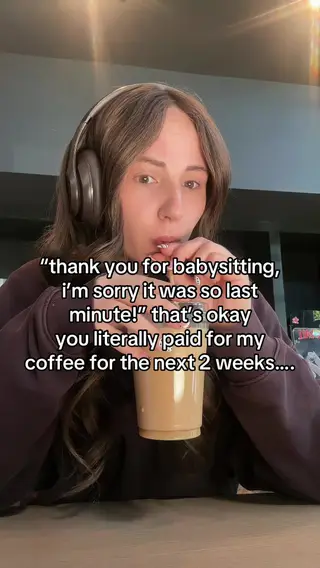
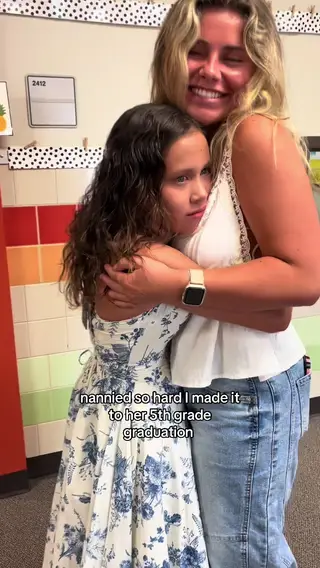
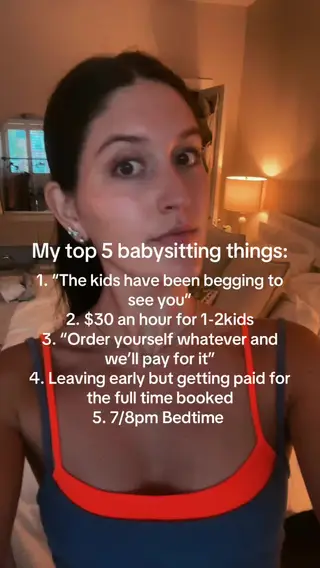
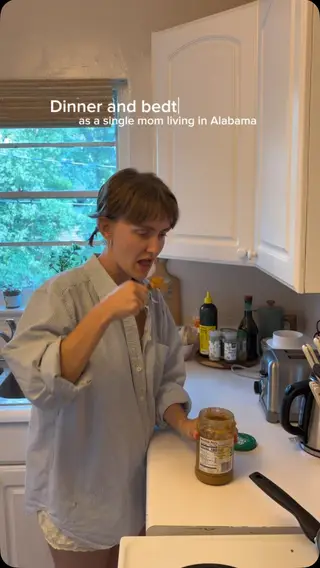
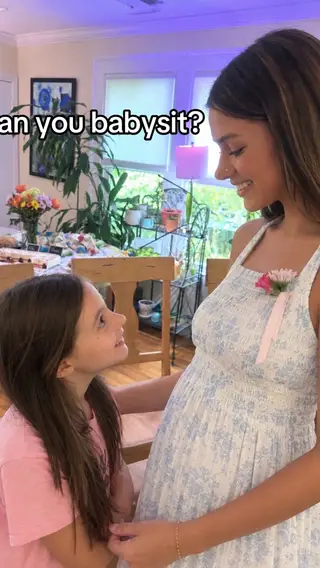
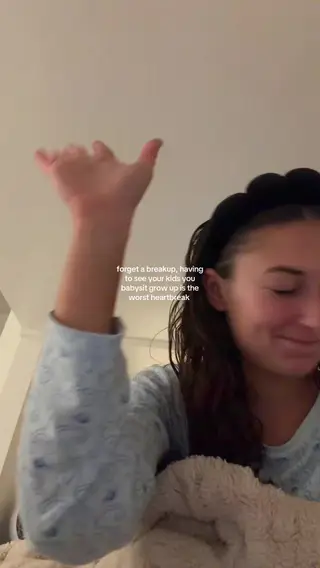
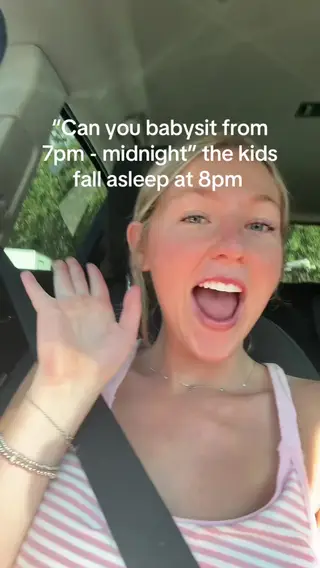
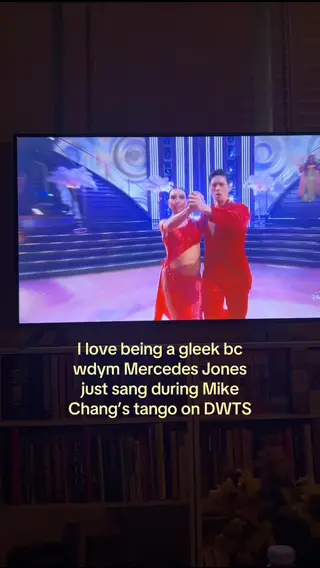



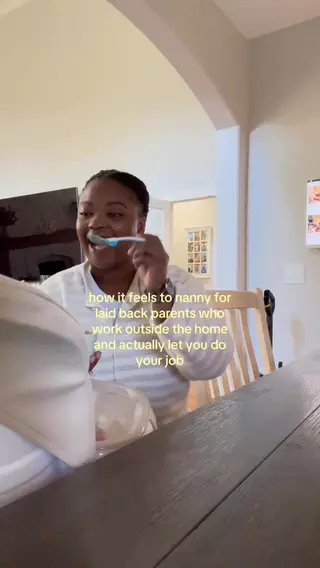
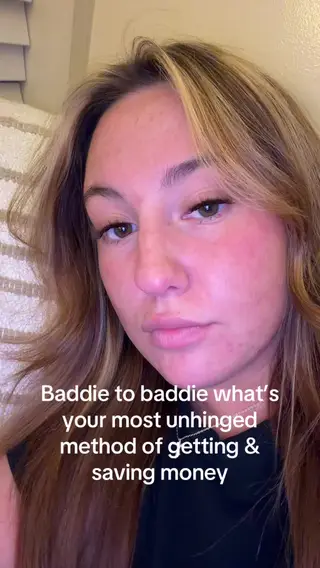

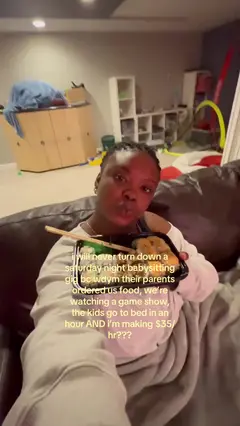
You: What did our creators post last? And refresh Hailey’s “Like someone fill me in”.
Agent: Newest is Jada Gokce’s “I SCREAMED THE ENTIRE PERFORMANCE” (455,800 views). Hailey’s video is up to 237,800 from 236,100.Behind the scenes · 3 MCP calls
Behind the scenes
Tool call: trackagoat · 1. list_top_videos
Listed the project’s videos in order, with their view counts.
{ "project_id": "…", "order_by": "posted_at", "limit": 4 }
Tool call: trackagoat · 2. trigger_scrape
Asked trackagoat to re-check the video now instead of waiting for the next scheduled update.
{ "video_id": "…" }
Tool call: trackagoat · 3. get_video_stats
Read the video’s latest stats and when they were last updated.
{ "video_id": "…" }
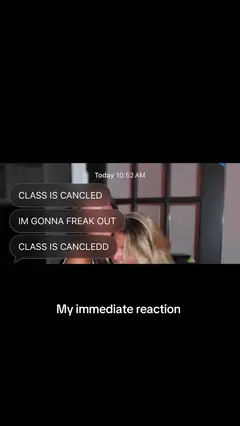

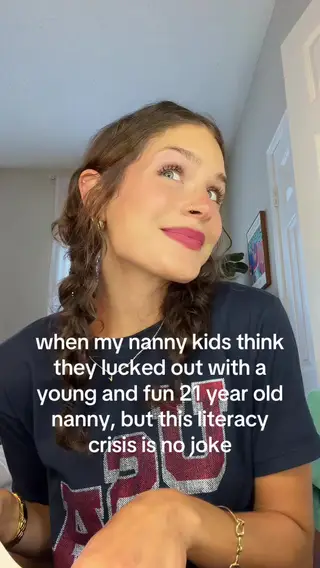




New posts show up in the Videos list, and each video’s stats keep getting re-checked on a schedule.
Add a creator once and their posts and numbers stay up to date.
You: Start tracking @pastamadam on TikTok.
Agent: Added Jada Gokce. trackagoat is pulling in their videos now, with views, likes and comments.Behind the scenes · 1 MCP call
Behind the scenes
Tool call: add_creator
Added the creator and their TikTok account to the project. trackagoat starts finding their posts in the background.
{ "project_id": "…", "accounts": [{ "platform": "tiktok", "handle": "pastamadam" }] }
Add a creator by handle or link. Type a TikTok or Instagram handle, or paste a profile link and the platform is picked for you. Creators don’t sign up or connect anything.
You: What new posts came in?
Agent: 3 new ones: Holland Dillon and KaitlynTrue on Oct 9 and Amber Suzor on Oct 8.Behind the scenes · 1 MCP call
Behind the scenes
Tool call: list_videos
Listed the tracked videos, newest first, with their stats and when each was last updated.
{ "project_id": "…", "limit": 3 }
New posts are found on a schedule. Each account is checked for new posts every 12 hours by default on paid plans, and once a day on Free.
You: How often does Hailey’s “Like someone fill me in” get updated?
Agent: It’s 6 days old, so every 24 hours. It was last updated 3 hours ago, at 237,800 views. At a week old it drops to every 2 days.Behind the scenes · 1 MCP call
Behind the scenes
Tool call: get_video_stats
Read the video’s latest stats and when they were last updated.
{ "video_id": "…" }
Stats keep getting re-checked. New posts get re-checked the most, and older ones less often. On Free, everything updates once a day.
You: How did Hailey’s “Like someone fill me in” do in its first week?
Agent: It had 65,300 views after its first day and 169,200 after its second, then leveled off. It’s at 237,800 now.Behind the scenes · 1 MCP call
Behind the scenes
Tool call: get_analytics
Pulled views day by day over the date range.
{ "entity": "video", "entity_id": "…", "metric": "views", "mode": "cumulative", "granularity": "day", "from": "2026-10-04", "to": "2026-10-10" }
Every update is kept. Each update adds a data point, so you can chart how a video, account or creator did over time.
Every number shows when it was last updated.
- Update now. On paid plans, refresh an account or a video on demand, up to your plan’s daily limit.
- Full rescan every 30 days. Each account’s tracked history is scanned again every 30 days (a little longer for very large programs), so a post the regular checks missed still gets counted.
- Tracking Gaps. Program Health lists creators whose tracked post count is well below what the platform shows, so you can check them.
You: Are the stats on our top videos up to date?
Agent: Isabella’s and Hailey’s were updated 3 hours ago. Jada’s “I SCREAMED THE ENTIRE PERFORMANCE” is 22 hours old (Turning Stale) and Natalie’s 3.2M-view video is 2 days old (Stale). I asked trackagoat to update both now.Behind the scenes · 3 MCP calls
Behind the scenes
Tool call: trackagoat · 1. list_videos
Listed the tracked videos, newest first, with their stats and when each was last updated.
{ "project_id": "…", "limit": 25 }
Tool call: trackagoat · 2. trigger_scrape
Asked trackagoat to re-check the video now instead of waiting for the next scheduled update.
{ "video_id": "…" }
Tool call: trackagoat · 3. trigger_scrape
Asked trackagoat to re-check the video now instead of waiting for the next scheduled update.
{ "video_id": "…" }
Choose which posts count.
- Tracking Inbox. Include or exclude each waiting post, one at a time or all at once. If you exclude one by mistake, you can include it again later.
- Hashtag matching. Up to 50 hashtags per account, matched against the caption. Posts that don’t match can go to the Inbox instead.
You: Only count Jada’s posts that use #wyndy. Send the rest to the Tracking Inbox.
Agent: Done. @pastamadam is on Hashtag tracking now. New posts with #wyndy in the caption count, and the rest wait in the Tracking Inbox for you to include or exclude.Behind the scenes · 2 MCP calls
Behind the scenes
Tool call: trackagoat · 1. list_accounts
Found the creator’s account by its handle, with its current tracking mode.
{ "project_id": "…", "search": "pastamadam" }
Tool call: trackagoat · 2. update_account
Changed how the account is tracked: its tracking mode, its hashtags and where other posts go.
{ "account_id": "…", "tracking_mode": "hashtag", "tracking_hashtags": ["wyndy"], "hashtag_inbox_non_matching": true }
One creator, several accounts.
- Limits count accounts. A creator with a TikTok and an Instagram account is two accounts. Creators themselves aren’t limited.
- Single videos by link. Track a TikTok video or photo post, or an Instagram Reel or post, by pasting its URL.
You: Which accounts do we track for Natalie Dickerson?
Agent: Just one, their TikTok @wyndywithnat, with 1,441 followers and 118 videos. Send me their Instagram handle and I’ll add it, so their creator page adds up both accounts.Behind the scenes · 2 MCP calls
Behind the scenes
Tool call: trackagoat · 1. list_creators
Looked up the creator by name, with their accounts and totals.
{ "project_id": "…", "search": "Natalie" }
Tool call: trackagoat · 2. get_creator
Read the creator’s profile: each of their accounts with its followers and videos.
{ "creator_id": "…" }
Accounts that go private are flagged.
- Public again. When the account is public again, admins get a second notification and tracking carries on.
You: Did any of our creators’ accounts go private?
Agent: 2 did. Michaela Duffy-Tucci’s TikTok, @michaelasitterlife, went private on Sep 17. No new posts or views come in while it’s private, and its goals and payouts are on hold until it’s public again.Behind the scenes · 1 MCP call
Behind the scenes
Tool call: trackagoat · get_program_health
Ran the program health check for anything that needs attention.
{ "project_id": "…" }
Stop tracking old videos automatically.
- Advance notice. Videos show “Expires in” for their last 7 days, and Program Health lists the videos expiring this week.
You: Keep tracking Natalie’s “we WILL be having quiet time…” after it expires.
Agent: Done. It was posted Sep 13 and would have stopped updating tomorrow under your 28-day rule. It’s exempt now, so its 3.2M views keep updating.Behind the scenes · 2 MCP calls
Behind the scenes
Tool call: trackagoat · 1. list_top_videos
Listed the project’s videos in order, with their view counts.
{ "project_id": "…", "limit": 5 }
Tool call: trackagoat · 2. bulk_set_video_tracking
Kept the video’s stats updating and exempted it from the age rule, so it doesn’t expire.
{ "project_id": "…", "video_ids": ["…"], "action": "enable", "exempt": true }
Everything in Tracking
Tracking is on every plan. The plans differ in how many accounts and videos you track and how often they’re checked.
- Public accounts by handleWorks with public TikTok and Instagram profiles. Creators don’t sign up or connect anything.
- TikTok videos and photo postsVideos and photo carousels, with views, likes, comments, shares and saves.
- Instagram Reels and postsViews on Reels and video posts, plus likes and comments. Instagram doesn’t show shares or saves.
- Scheduled new-post checksEach account is checked for new posts on your plan’s schedule.
- Re-checks by post ageNew posts are re-checked every 12 hours on paid plans, older ones less often.
- Freshness badgesFresh, Turning Stale and Stale badges on creators, accounts and videos.
- Update nowRefresh an account or video on demand, a set number of times a day on paid plans.
- Stats historyEvery update is stored as a new data point. How far back you can see depends on your plan.
- Tracking modesAuto, Selective or Hashtag, set per account.
- Tracking InboxInclude or exclude posts from Selective and Hashtag accounts.
- Multi-account creatorsSeveral TikTok and Instagram accounts under one creator, with combined totals.
- Add videos by linkTrack a single TikTok or Instagram post by URL.
- Private-account detectionA Private badge, a Program Health alert and an admin notification.
- Video tracking expiryStop refreshing videos after an age you choose, with per-video exemptions.
- Auto-paused accountsAn account that can’t be found 5 times in a row is paused, and admins are notified.
- Comment collectionOn paid plans, collects up to 100 comments per TikTok video and 20 per Instagram post once a video has at least 5 comments.
- Similar-username warningsFlags groups of three or more handles that look alike, so you can check you added the right one.
- Over-posting warningsFlags days with 7 or more posts where at least 2 have under 100 views after 2 hours.
- Change logEach creator’s History tab records handle, bio, tracking-mode, privacy and campaign changes.
- README notesMarkdown notes on every creator, also available through the API.
Tracking limits by plan
Every plan tracks TikTok and Instagram.
| Limit | Free | Starter | Ultra |
|---|---|---|---|
| Accounts | 5 | 50 | 300 |
| New-post checks | Once a day | Every 12 hours | Up to every 4 hours |
| Manual “Update now” per day | Not included | 1 | 3 |
| Stats history | 90 days | 1 year | Unlimited |
Tracking questions
For anything else, email support@trackagoat.com


Start tracking your creators for free.
Free covers 5 accounts and 10 tracked videos, with the API and MCP server included. Add a handle or profile link and their posts start coming in. No card needed.