trackagoat vs SideShift
SideShift is a creator marketplace with contracts, payouts and an MCP server. trackagoat is for the creators you already work with: add them by handle, track and pay them, and connect your coding agent on any plan, Free included.
Checked October 10, 2026 • Sources
 trackagoat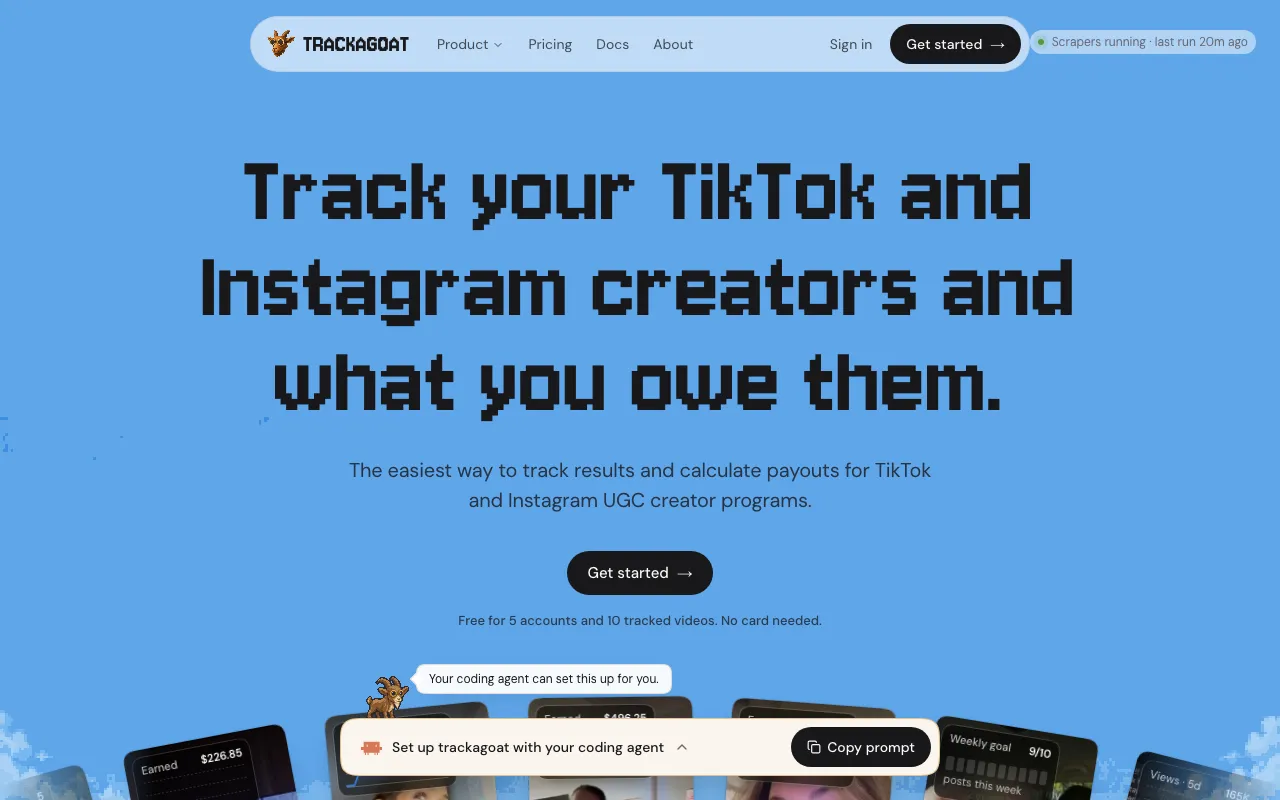
 SideShift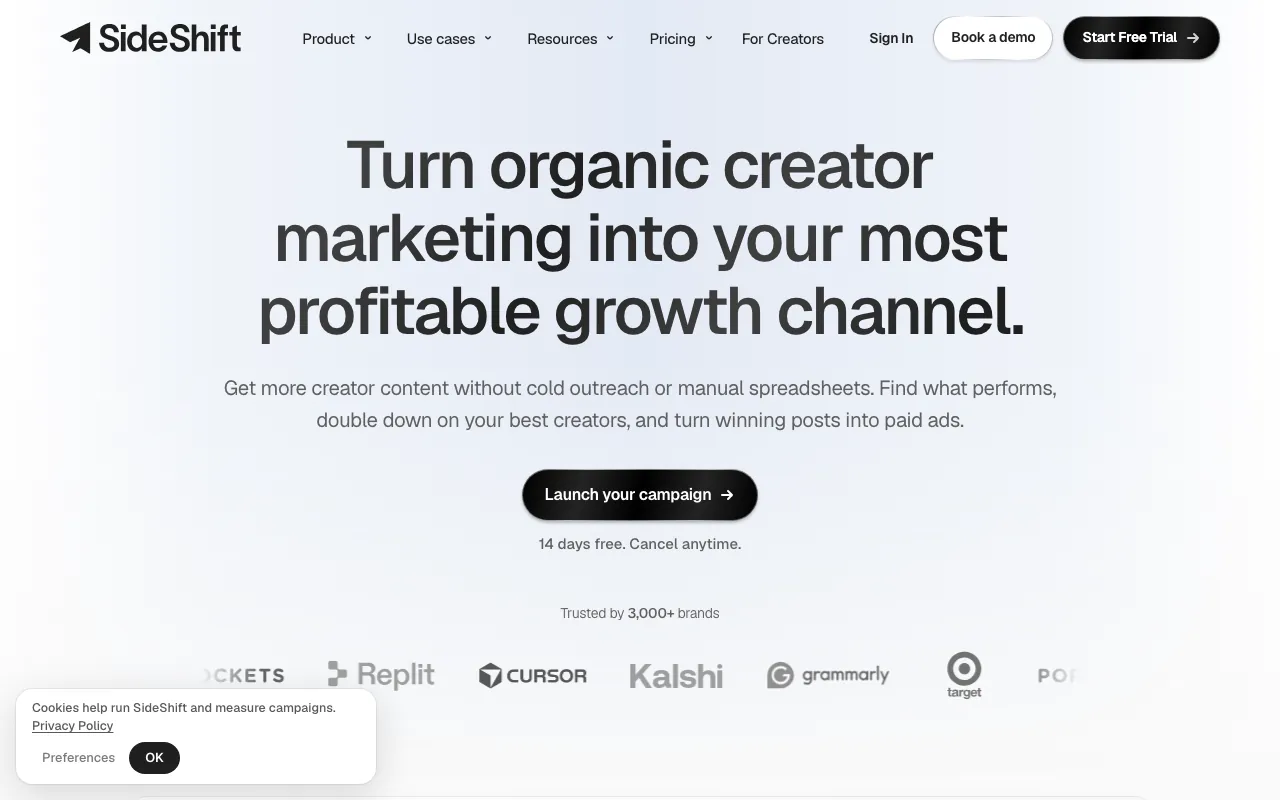
Which one fits.
SideShift is a creator marketplace: you post a job, creators apply, and contracts, payouts and reporting follow. Both tools have an API and a hosted MCP server on every plan, and on both an agent can send payouts. trackagoat is for the TikTok creators you already work with, run by teams that love coding agents, and it starts free instead of at $299 a month.
Pick trackagoat if
- You already have creators and need to track and pay them.
- You want your coding agent on the program from the Free plan, then $29 a month rather than $299.
- You want an agent’s payouts held to a limit per payout and per 24 hours that an org admin sets.
Pick SideShift if
- You need to recruit creators and want them to apply to you.
- You need contracts, usage rights and 1099s handled in one place.
- You need YouTube, Facebook or Instagram Stories.
trackagoat and SideShift, feature by feature.
SideShift’s column comes from its own public website, checked October 10, 2026. “Not listed” means the site doesn’t say. The “API and MCP server”, “How an agent connects”, “Agents can send payouts”, “Docs an agent can read” and “Dry runs for agent payouts” rows were checked again on October 11, 2026.
| Feature | trackagoat | SideShift |
|---|---|---|
| Tracking | ||
| Platforms | TikTok and Instagram | TikTok, Instagram (including Stories), YouTube and Facebook |
| How creators are added | By handle or profile link. Creators don’t connect anything | Mainly creators who apply through its marketplace, or by invite |
| How often new posts are found | Every 12 hours on paid plans, once a day on Free | Not listed: not stated on their public site as of October 10, 2026 |
| Re-scans to catch missed posts | Each account’s full history, about every 30 days | Not listed: not stated on their public site as of October 10, 2026 |
| Campaigns and goals | ||
| Grouping | Campaigns that hold creators, videos and other campaigns | Campaigns with briefs, approvals and contracts |
| Posting goals per creator | On Track, Behind Pace or At Risk for each creator | Campaign goal tracking |
| Payouts | ||
| Works out what each creator is owed | Yes | Yes |
| Payout types | Recurring, Goals-based, CPM, View Thresholds and Conversions | Retainer, per post, per view, or a mix |
| Pays creators from the app | From trackagoat through your connected payout account, or mark paid | From a brand wallet, to creators in the US, Canada, UK or Australia |
| Fee for sending payouts | None from trackagoat (your payout provider charges its usual fees) | Not listed: not stated on their public site as of October 10, 2026 |
| Tax forms | Not from trackagoat (your payout provider handles tax reporting for payouts sent through it) | 1099s and W-9s |
| Insights | ||
| Analytics | Campaign, Creator and Video Insights | Views, engagement and CPM by creator and post; ROAS on paid tests |
| Comment sentiment | Comment Insights, on paid plans | Not listed: not stated on their public site as of October 10, 2026 |
| API and agents | ||
| API and MCP server | Both, on every plan. Free allows 200 requests a day | Both, on every plan |
| How an agent connects | Hosted MCP server. Sign in (OAuth) or use an API key | Hosted MCP server. Sign in (OAuth) |
| Agents can send payouts | Yes, once an org admin turns on agent payments, within per-payout and 24-hour limits | Yes. Tools that move money ask for confirmation first |
| Docs an agent can read | Markdown docs, /llms.txt and an OpenAPI spec, plus a Markdown document on every record that agents read and write | An llms.txt file for its API docs |
| Plans and pricing | ||
| Free plan | 5 accounts and 10 tracked videos, no card | No. 14-day trial on Starter and Growth |
| Paid plans | $29 or $399 a month | $299, $499 or $999 a month ($210, $349 or $699 billed yearly) |
| Accounts or creators | 5, 50 or 300 accounts | 15 or 50 live creators, or unlimited |
| Videos kept updating | 10, 100 or 3,000 | 600 or 2,000 a month, or unlimited |
| Teammates | 2, 5 or 50 | 3 or 5, or unlimited |
| Upgrading | By email for now, no checkout yet | Self-serve, 30% off yearly |
| Where SideShift does more | ||
| Creator marketplace for recruiting | No | Yes |
| Contracts, usage rights and 1099s | No | Yes |
| YouTube, Facebook and Instagram Stories | No | Yes |
| Dry runs for agent payouts | No | Yes |
The main differences.
Each one says what trackagoat does and what SideShift does. SideShift’s side comes from its public website, checked October 10, 2026. The “API, MCP and agent payouts” section was checked again on October 11, 2026.
Where creators come from.
trackagoattrackagoat starts with the creators you already have. Add each one by their TikTok or Instagram handle or profile link.
They don’t sign up for anything, and their videos start showing up with views, likes and comments.
SideShiftSideShift is built around its marketplace: you post a job and creators apply. You can also invite creators.
Source:sideshift.app
API, MCP and agent payouts.
trackagoatThe REST API and the hosted MCP server (125 tools) are on every plan, including Free with 200 requests a day. Agents sign in with OAuth or use an API key.
An agent can send payouts once an org admin turns on agent payments, within a limit per payout and per 24 hours. No API key can turn that switch on, and each payment notes whether an agent sent it.
SideShiftSideShift’s API and hosted MCP server come with every plan, and agents connect by signing in with OAuth.
Its MCP tools can send payouts. Tools that move money, publish a job or message a creator ask for confirmation first.
Paying creators.
trackagoattrackagoat sends payouts through your connected payout account.
Or pay with Venmo, Cash App, PayPal or anything else and mark it paid with the amount, date, method and receipt. Either way there’s a record.
SideShiftSideShift pays creators in the US, Canada, UK or Australia from a wallet you fund. It also collects W-9s and issues 1099s.
Source:sideshift.app/creators
Working out what each creator is owed.
trackagoatSet up Recurring, Goals-based, CPM, View Thresholds or Conversions structures once. When a period closes, trackagoat works out what each creator earned from their posts, views, goals and conversions.
If a video shows up after a period closes, unpaid amounts are recalculated. Payments you’ve already recorded stay the same, and any affected payment is flagged for you to look at.
More:How payouts work
SideShiftSideShift pays a retainer, per post, per view, or a mix of them.
Reporting.
trackagoatCampaign, Creator and Video Insights rank your campaigns, creators and videos for any date range, with breakout videos, posting times and creators who need attention.
On paid plans, Comment Insights collects comments on your creators’ videos and sorts them by sentiment.
More:Insights
SideShiftSideShift reports views, engagement and CPM by creator and post, and ROAS on paid tests, with tools for Spark Ads.
Where SideShift is better.
trackagoat doesn’t do everything. These are the things SideShift does that trackagoat doesn’t, or does more of.
- Recruiting. Brands post a job and creators apply through SideShift’s marketplace. trackagoat has no marketplace.
- Contracts and usage rights. SideShift has contracts with e-signatures and tracks content rights. trackagoat doesn’t.
- Tax paperwork. SideShift collects W-9s and issues 1099s. trackagoat doesn’t produce tax forms.
- A flat amount per post. SideShift can pay per post, per view, a retainer or a mix. trackagoat’s flat payouts are per period.
- More platforms. SideShift covers YouTube (including long-form), Facebook and Instagram Stories. trackagoat tracks TikTok and Instagram Reels and posts.
- Paid ads. Tools for Spark Ads and ROAS on paid tests are built in.
- Dry runs for agent payouts. An agent can test a payout on SideShift before it sends one. trackagoat has no dry run; an agent’s payouts are held to your limits instead.
- Billing. Self-serve plans with 30% off yearly. trackagoat’s paid plans are monthly and set up by email for now.
Prices, side by side.
trackagoatprices
Free$0
5 accounts, 10 tracked videos, 2 teammates
Starter$29 a month
50 accounts, 100 tracked videos, 5 teammates
Ultra$399 a month
300 accounts, 3,000 tracked videos, 50 teammates
No card needed for Free. There’s no checkout yet: start on Free, then email us the plan you want and we’ll switch your org over. Monthly only.
SideShiftprices
Starter$299 a month ($210 billed yearly)
15 live creators, 600 tracked videos a month, 3 seats
Growth$499 a month ($349 billed yearly)
50 live creators, 2,000 tracked videos a month, 5 seats
Scale$999 a month ($699 billed yearly)
Unlimited creators, videos and seats
14-day free trial on monthly Starter and Growth. Creator payments are separate from the subscription.
A managed service starts at a $20,000 monthly campaign budget.
As listed on SideShift’s site on October 10, 2026.
Moving from SideShift.
- Step 1:
Get started on Free. Free covers 5 accounts and 10 tracked videos, with no card. When you need more, email us the plan you want and we’ll switch your org over.
- Step 2:
Add your creators. Type each creator’s TikTok or Instagram handle, or paste their profile link. Their videos show up and start collecting views, likes and comments.
- Step 3:
Or hand the list to your coding agent. Paste the agent setup prompt into Claude Code, Codex or Cursor and it connects the MCP server. Then give it your list: its add_creators tool adds up to 50 creators at a time.
- Step 4:
Set up campaigns and payouts. Put creators into campaigns, then make a payout structure and assign it. When a period closes, you see what each creator earned.
Questions
For anything else, email support@trackagoat.com
Sources
Checked on October 10, 2026 from SideShift’s public website. The “API and MCP server”, “How an agent connects”, “Agents can send payouts”, “Docs an agent can read” and “Dry runs for agent payouts” rows were checked again on October 11, 2026. Prices and features change, so check their site before you decide. If something here is out of date, email support@trackagoat.com and we’ll fix it.
The website screenshots at the top of the page were taken on October 10, 2026 from trackagoat.com and sideshift.app, signed out, and aren’t edited.
MightyScout, viral.app, Shortimize, SideShift, Grade, ViewTrack, TikTok and Instagram are trademarks of their respective owners. trackagoat isn’t affiliated with or endorsed by them.
- SideShift: sideshift.app/platform/reporting
- SideShift: sideshift.app
- SideShift: sideshift.app/platform/campaign-management
- SideShift: sideshift.app/platform/payments
- SideShift: sideshift.app/creators
- SideShift: sideshift.app/plans/brands
- SideShift: docs.sideshift.app/mcp-server
- SideShift: docs.sideshift.app/llms.txt
- SideShift: sideshift.app/platform/ai-agents
Other comparisons
 trackagoat vs MightyScoutAn influencer marketing platform for brands and agencies: discovery, outreach, Instagram Stories capture and reporting.
 trackagoat vs viral.appTracking, a creator marketplace and payouts, across five platforms.
 trackagoat vs ShortimizeA short-form video tracker for app founders and agencies, with creator payments through Contra.
 trackagoat vs GradeCreator payouts with compliance and tax handling, plus free tracking of creators’ posts.
 trackagoat vs ViewTrackA view tracker across seven platforms, from $24.99 a month, with client share links and a creator portal.
- trackagoat vs spreadsheetsGoogle Sheets, Excel or Airtable, with view counts and payments typed in by hand.


Start tracking your creators for free.
Free covers 5 accounts and 10 tracked videos, with the API and MCP server included. Add a handle or profile link and their posts start coming in. No card needed.